Command
原始文档链接 / Source
Antigravity Editor: Command
The Command feature brings the power of natural language directly into your workflow, allowing you to request specific inline completions or terminal commands on the fly.
How it Works
- Trigger:
- Prompt:
- Instruction:
- Execution:
Where to Use It
In the Editor
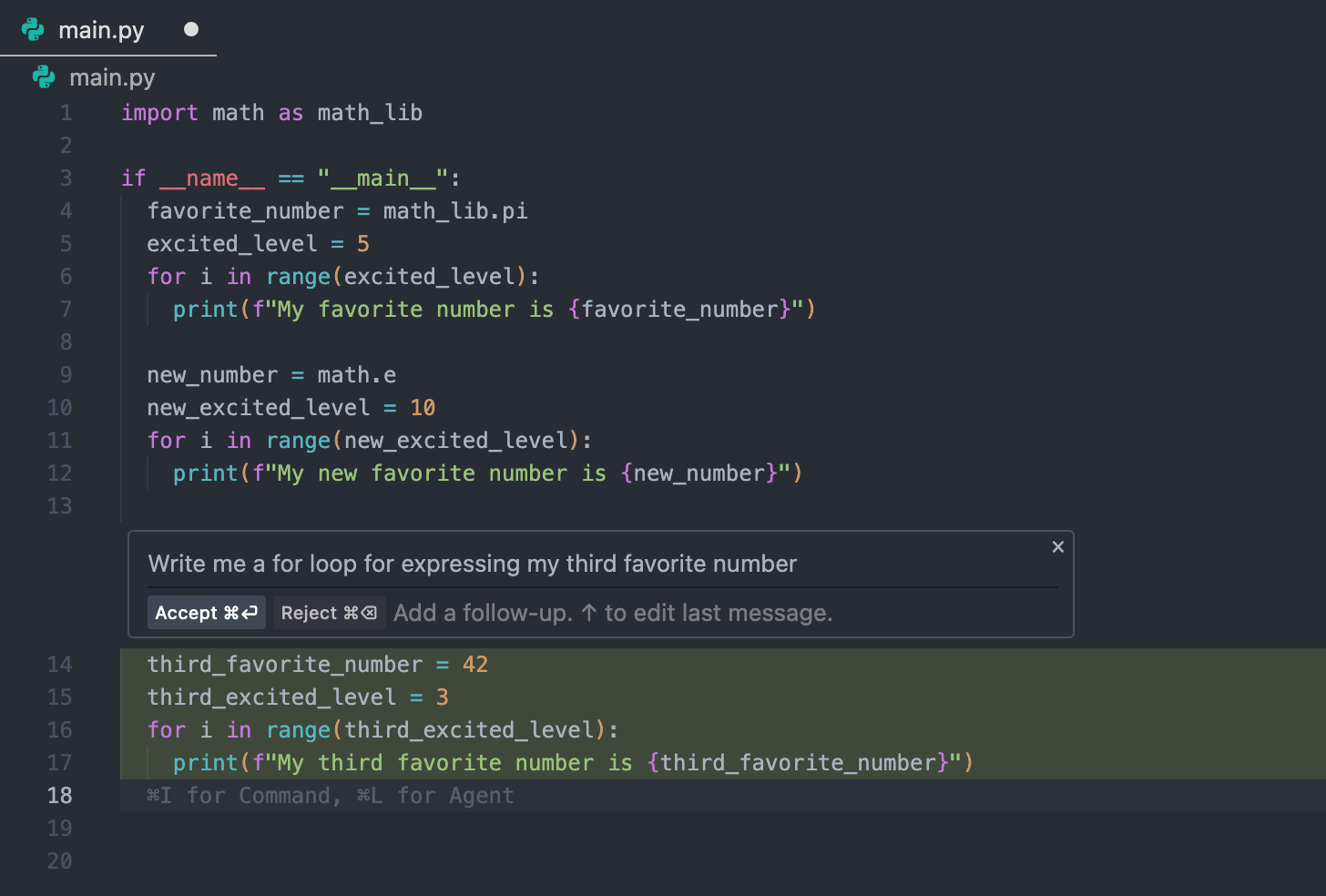
Use Command to generate boilerplate code, refactor complex functions, or write documentation without breaking your coding flow.
- Example: "Create a React component for a login form."
In the Terminal
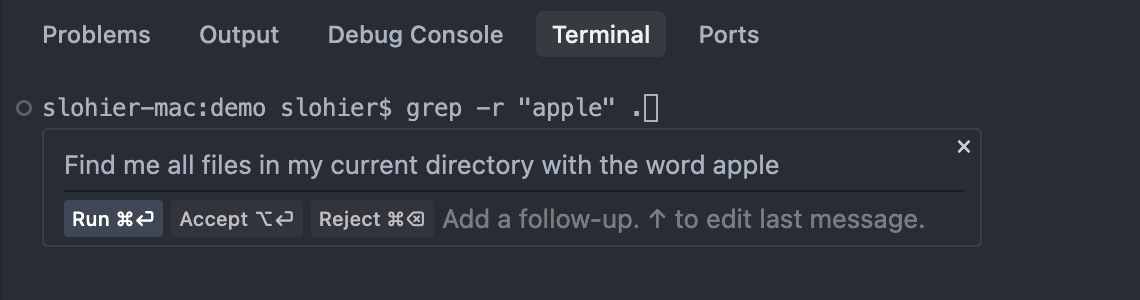
Use Command within the integrated Antigravity terminal to generate complex shell commands without needing to memorize syntax.
- Example: "Find all processes listening on port 3000 and kill them."