Agent Modes / Settings
原始文档链接 / Source
Agent Modes / Settings
Conversation-Level
When starting a new Agent conversation, users can choose between multiple modes:
- Planning: Agent can plan before executing tasks. Use for deep research, complex tasks, or collaborative work. In this mode, the Agent organizes its work in task groups, produces Artifacts, and takes other steps to thoroughly research, think through, and plan its work for optimal quality.
- Fast: Agent will execute tasks directly. Use for simple tasks that can be completed faster, such as renaming variables, kicking off a few bash commands, or other smaller, localized tasks. This is helpful for when speed is an important factor, and the task is simple enough that there is low worry of worse quality.
Overall Settings
Settings across every Agent conversation can be found in the “Agent” tab of the Settings pane. Some of the major ones include:
Artifact Review Policy
These are the possible options for Artifact Review Policy:
- Always Proceed: Agent never asks for review
- Agent Decides: Agent will decide when to ask for review
- Request Review: Agent always asks for review
When Agent decides to request review from the user for implementation plans, this policy determines what the agent does. When set to “Request Review”, the agent will always terminate after notifying, allowing the user to spend time reviewing the plan and adding comments to augment proposed changes.
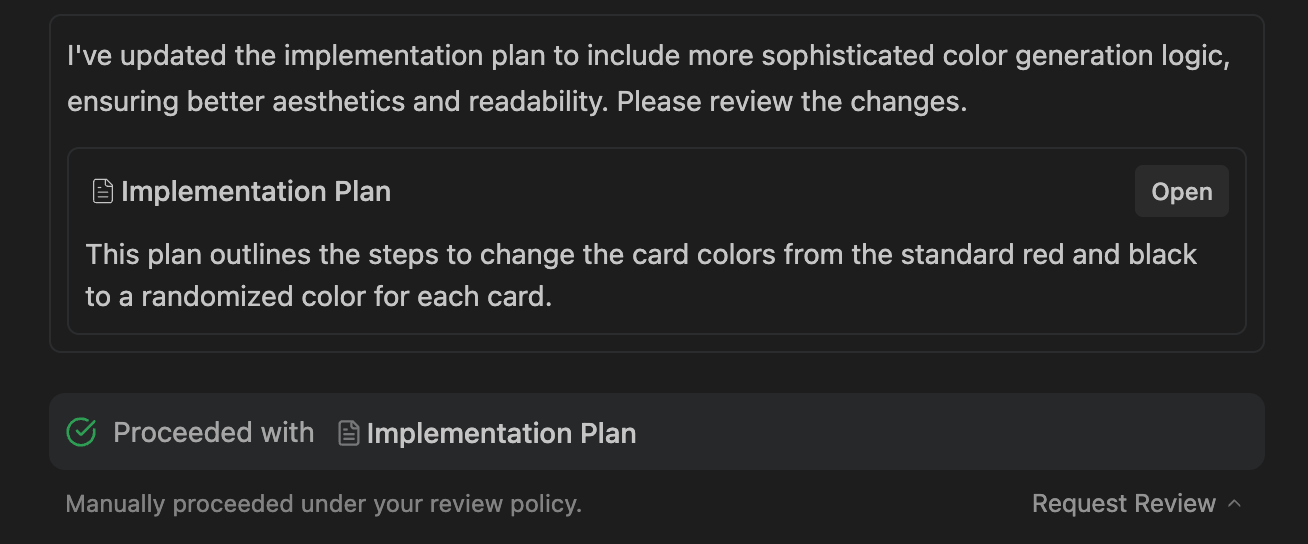
If you do not need to manually review Agent’s plan before making changes, set this to “Always Proceed”, in which case every time the agent decides to request review from the user, it will then immediately continue with executing the plan.
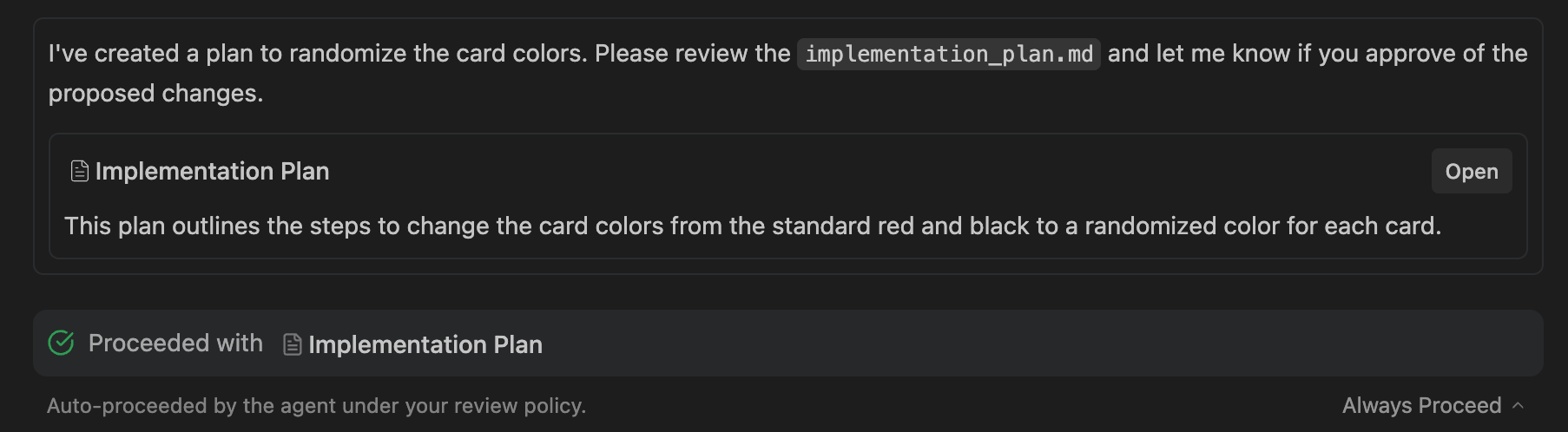
For a hybrid setup where Agent decides when it can auto-proceed with plans, select “Agent Decides”.
Terminal Command Auto Execution
For the terminal command generation tool:
- Off: Never auto-execute terminal commands (except those in a configurable Allow list)
- Auto: Agent decides whether to auto-execute any given terminal command
- Turbo: Always auto-execute terminal commands (except those in a configurable Deny list)
The allow list and deny list are configurable in the settings in the “Agent” tab. Configure these to add more advanced permissioning to your terminal auto execution policy.
Note: a change to this setting will only apply to new messages sent to Agent. In-progress responses will use the previous setting value.
For Unix shells, an allow or deny list entry matches a command if its space-separated tokens form a prefix of the command's tokens. For PowerShell, the entry tokens may match any contiguous subsequence of the command tokens.
Agent Non-Workspace File Access
Allow Agent to view and edit files outside of the current workspace. By default, the Agent only has access to the files in the workspace and in the application’s root folder ~/.antigravity/, which contains Artifacts, Knowledge Items, and other Antigravity-specific data.
Use with caution, as this could expose local secret or sensitive data to the Agent.