Playground
原始文档链接 / Source
Playground
Playgrounds are independent workspaces that allow you to start a conversation and explore ideas instantly, without the overhead of setting up a new workspace.
Creating a Playground
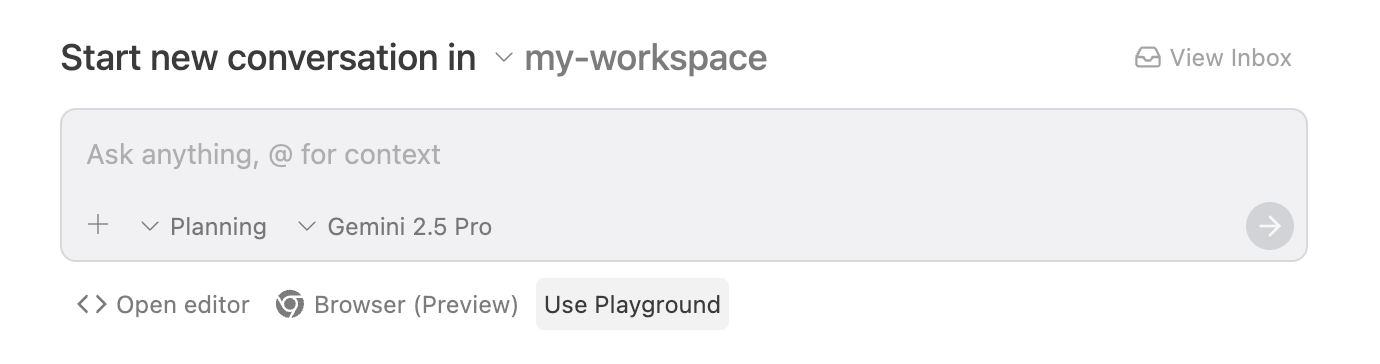
From the Start Conversation page, you can quickly send a message to a new playground by clicking the Use Playground button below the input box
.
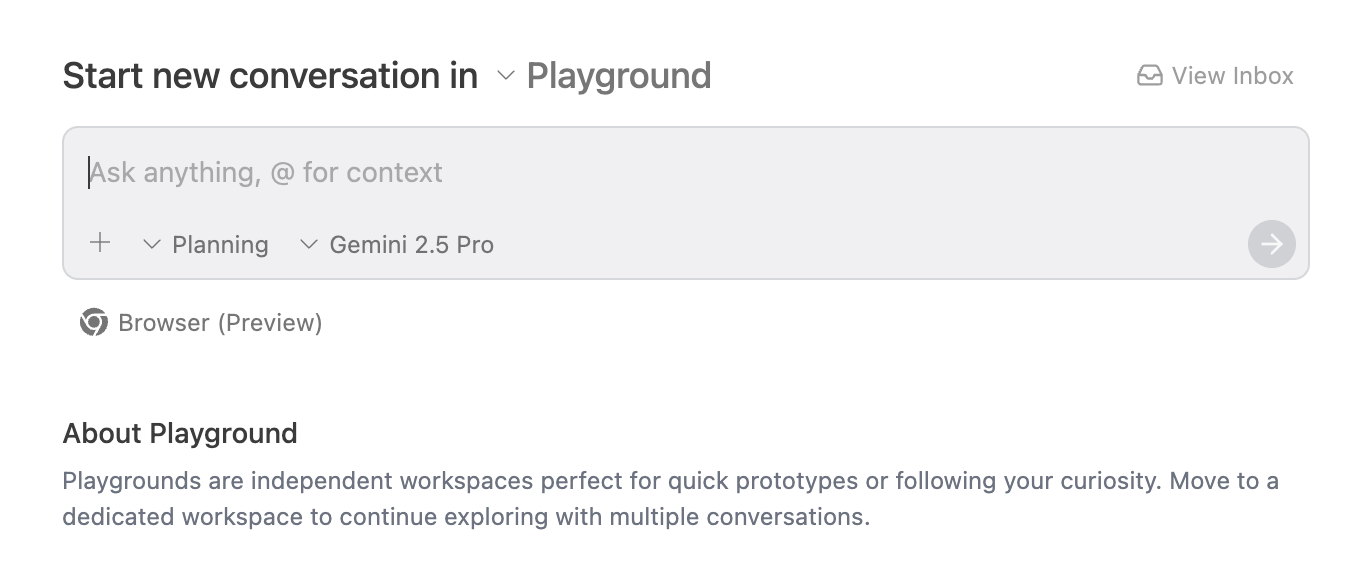
From here, you can send a message as you would normally
.
Persisting Your Work
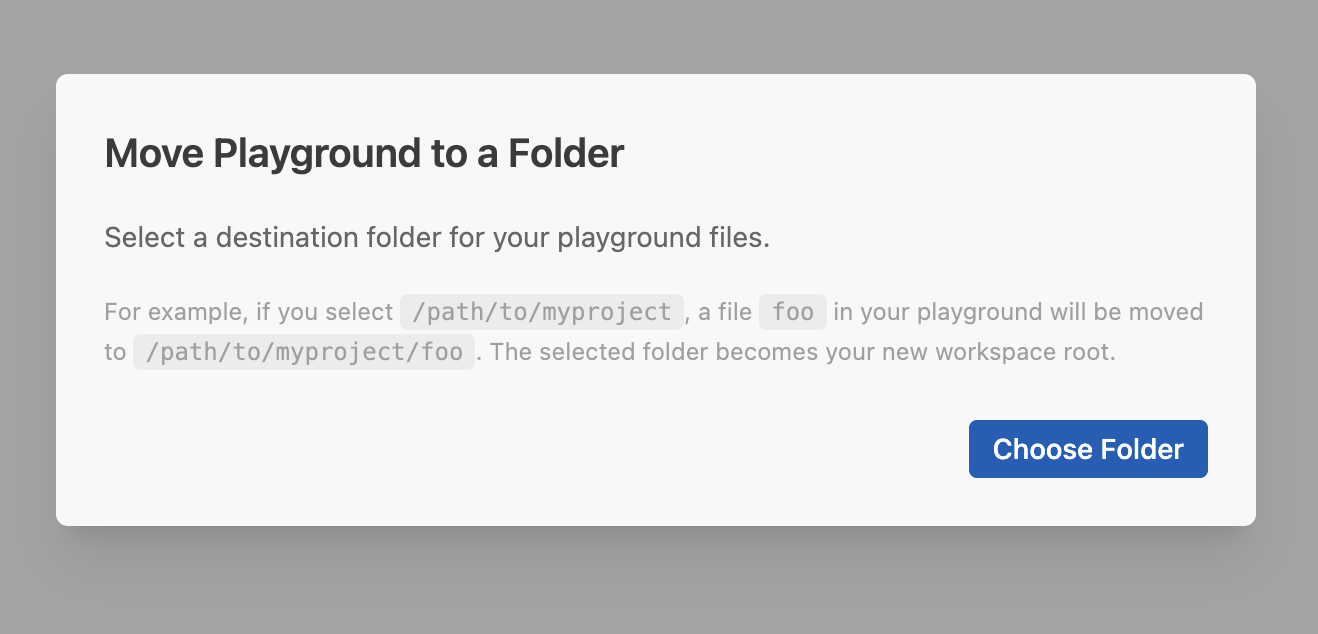
If you want to keep the work you've done in a playground, you can move its contents into a dedicated workspace in a folder of your choosing. This action preserves your conversation history and any files created during your session, allowing you to continue exploring with multiple conversations

.
Clicking on the move button in the top bar will pop up the following modal: