Separate Chrome Profile
原始文档链接 / Source
Separate Chrome Profile
To isolate the browser from your general browsing, it operates on a separate Chrome profile.
Since Chrome profiles are isolated, this will not share any of the cookies or sign-in information from your normal browsing profile. However, all sign-ins will be persisted such that anytime you open the browser in the future, all your accounts will still be there. This profile should also contain your installation of the Chrome Extension, so that your normal browsing profile is entirely unaffected.
If you had your normal Chrome open while launching this profile, it will show up as a separate dock icon and be considered a separate application. If Chrome was not open beforehand, this application will look the same as your default profile. To return to the default profile, you must quit the application and relaunch Chrome.
If you would like to change the location where your browser profile will be created, you can modify the following setting in the browser section
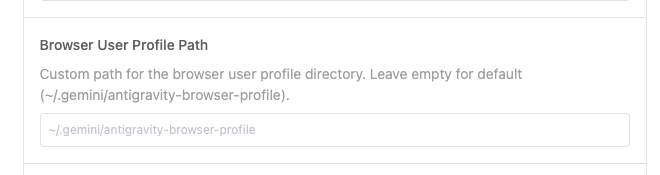
.