Panes
原始文档链接 / Source
Panes
You can open files, artifacts, knowledge items, and other content directly within the manager in panes that persist per-conversation. In order to open up a pane, simply open up the quick picker (by hitting CMD+P on Mac or CTRL+P on Windows/Linux) and select a resource. You can also hit the "+" from within a conversation's header
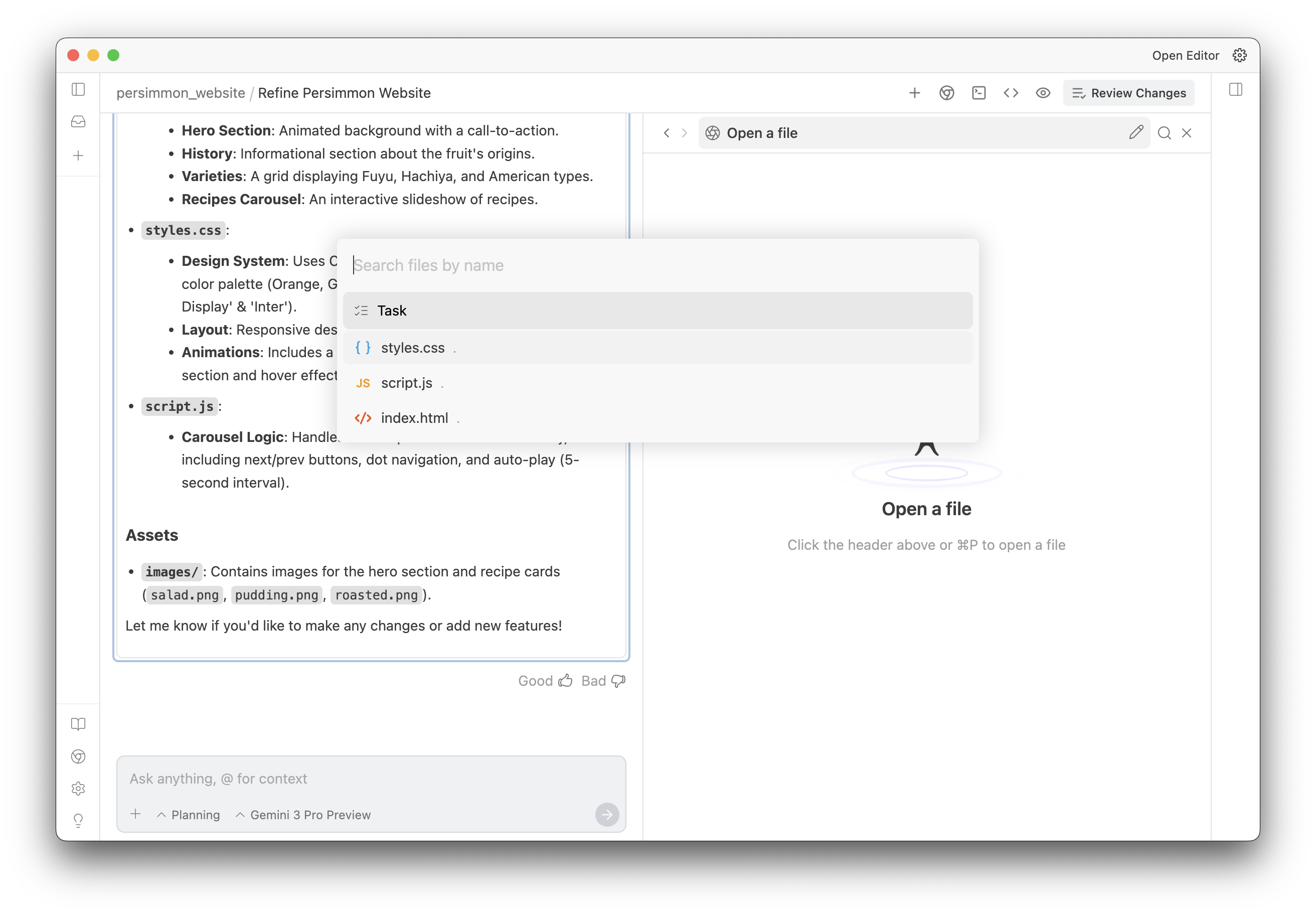
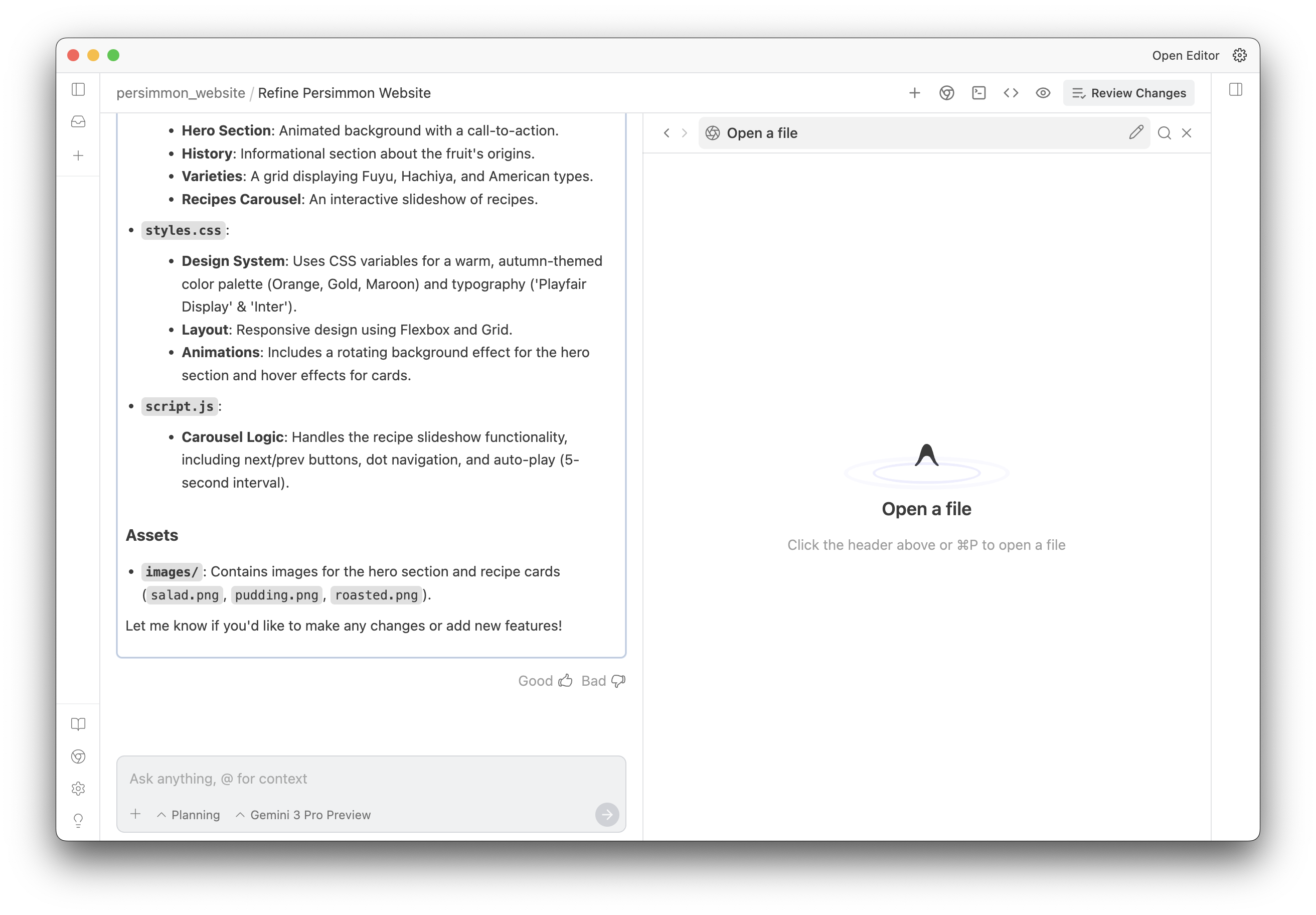
.
These panes are resizable, splittable, and drag-and-droppable. You should configure them around as makes sense for your workflow
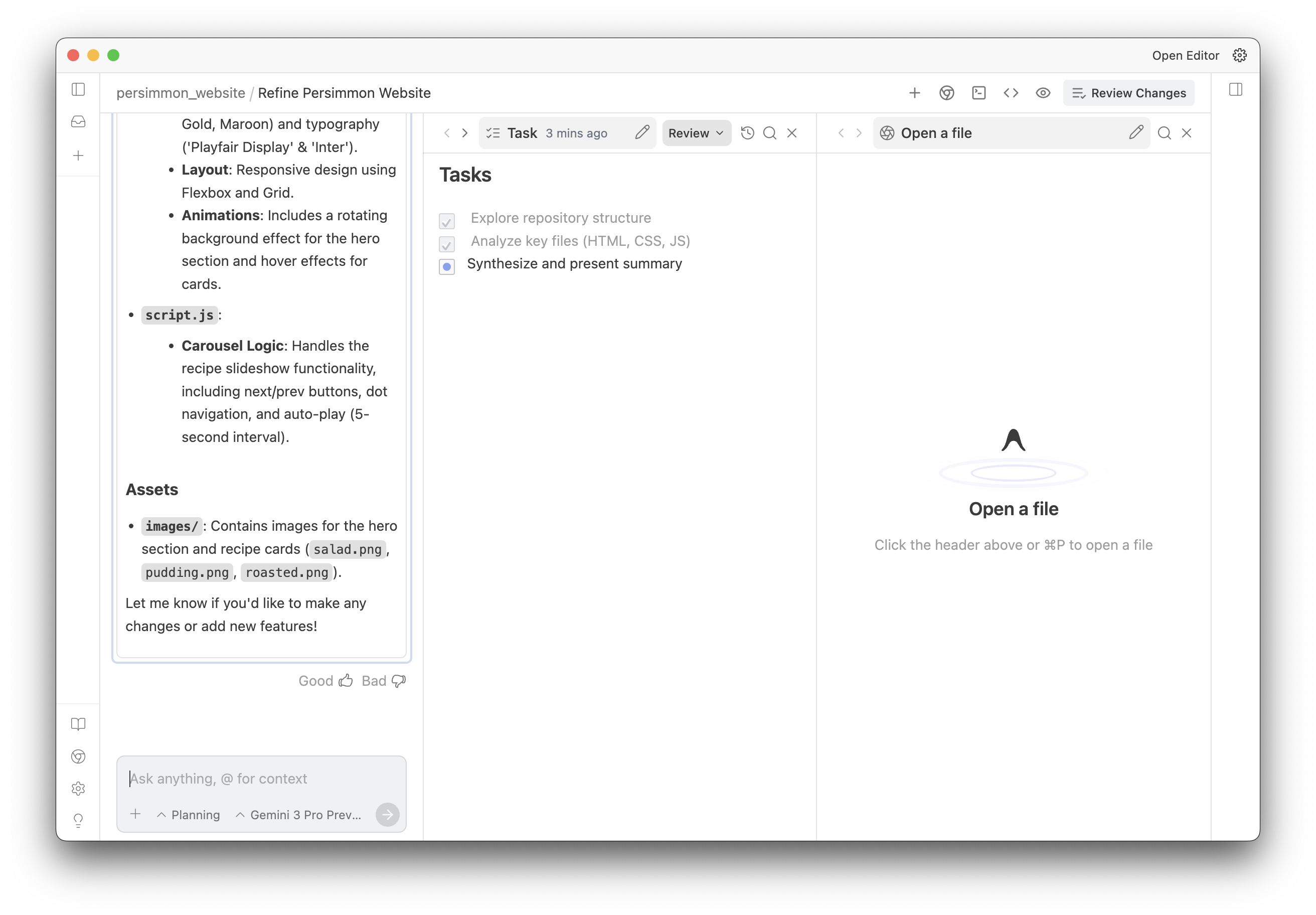
.
If you use CMD+Click or CMD+Enter (Mac) or CTRL+Click / CTRL+Enter (non-Mac), the contents will open in a new pane, rather than replacing the currently open pane.