Agent Side Panel
原始文档链接 / Source
Agent Side Panel
Use the panel on the right side of the editor to work directly with the agent. You can spin up new conversations, attach images, switch agent modes, and select between different models.
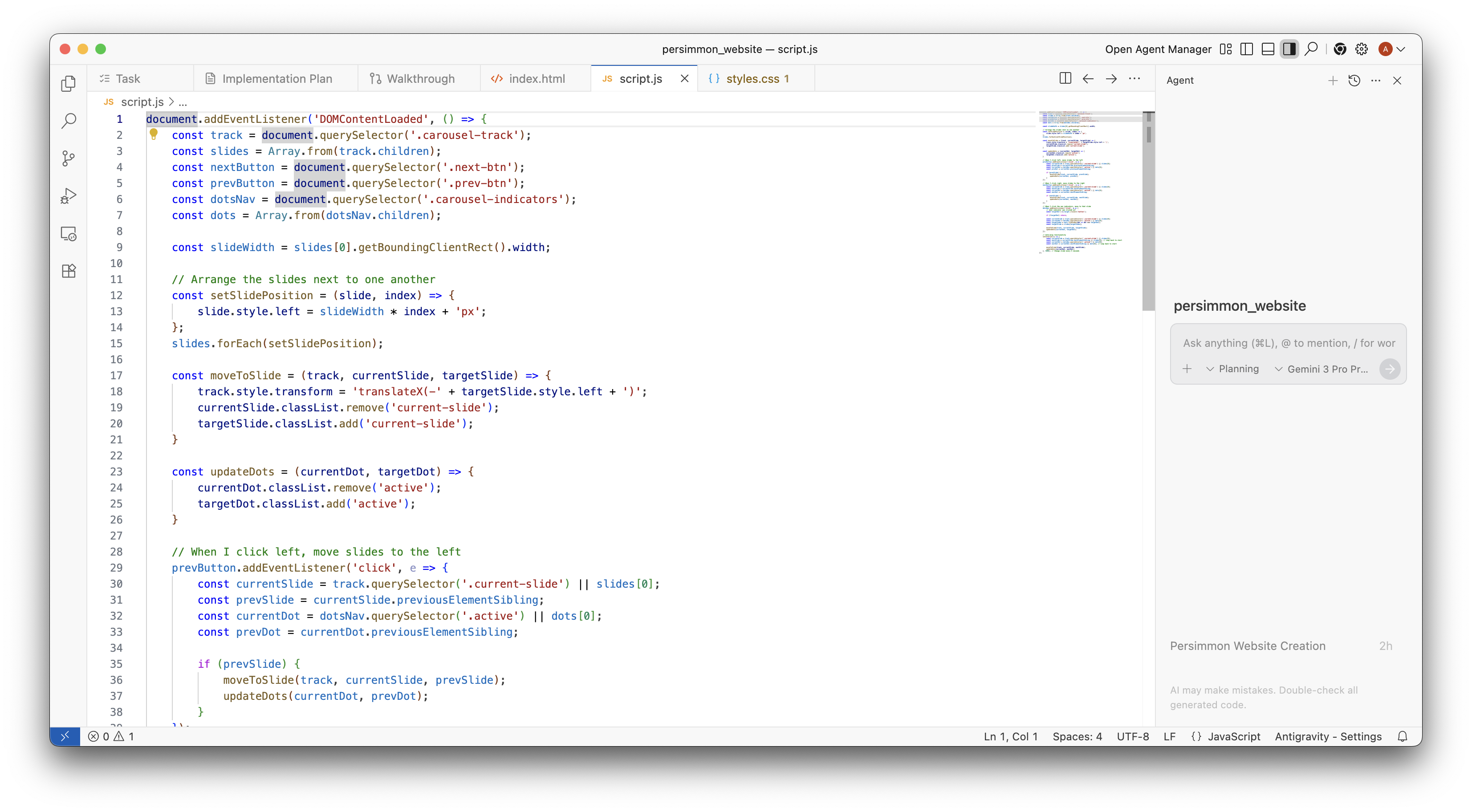
As your conversation progresses, you’ll be able to keep track of open file changes, running terminal processes, and artifacts in the bottom toolbar above the input
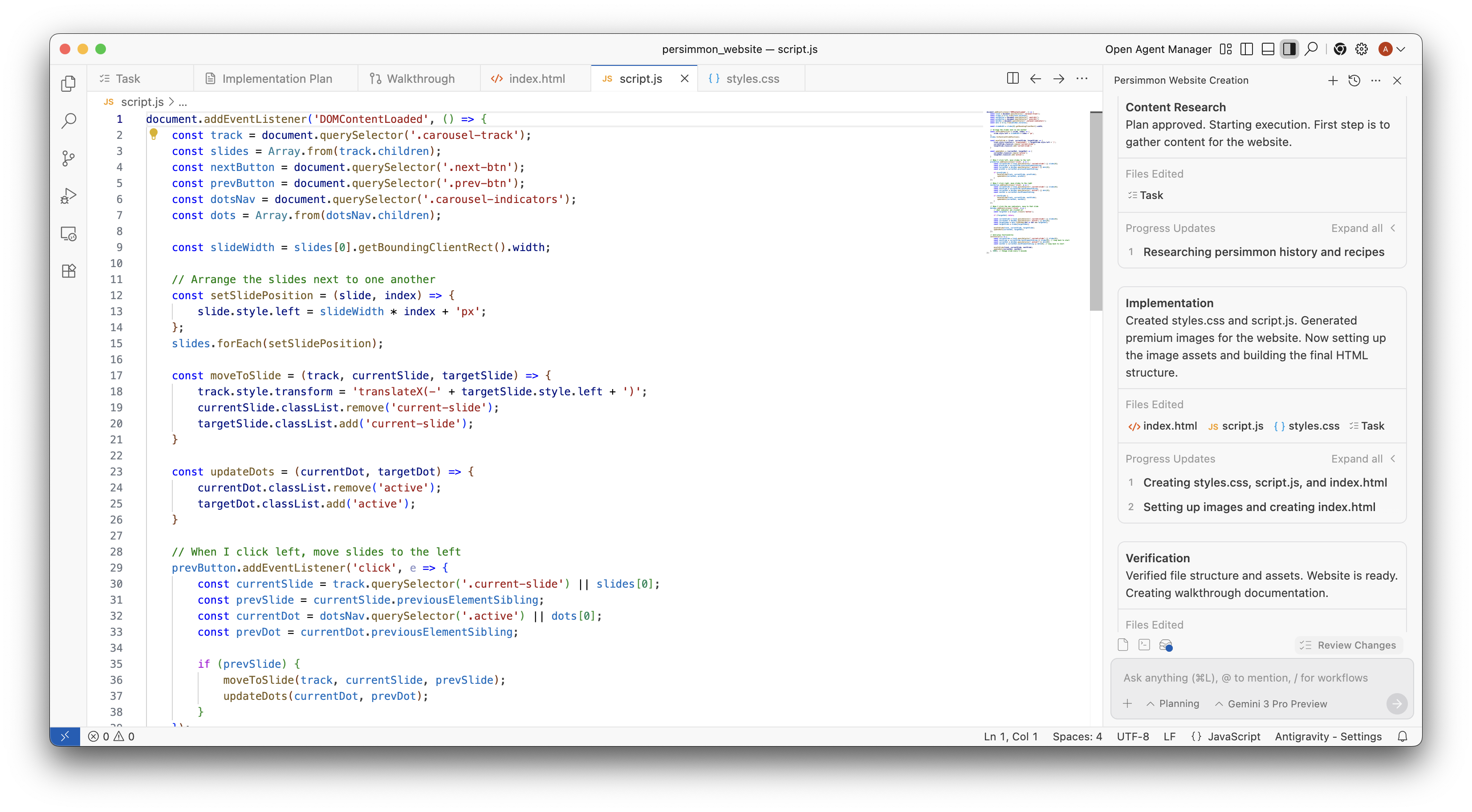
.