Browser
原始文档链接 / Source
Browser
原始文档链接 / Source
Browser
Antigravity has the ability to open, read, and control a Chrome browser, allowing you to test development websites, read internet data sources, and automate various different browser tasks.
Using a subagent, Antigravity can operate on the browser as it sees fit, as well as recording its actions and presenting select screenshots and videos as artifacts.
To isolate the Antigravity agent from your normal browsing, it runs in a separate browser profile. This means that it will show up as a separate application in your dock and nothing will be signed in. You can read more about this in the Separate Chrome Profile section.
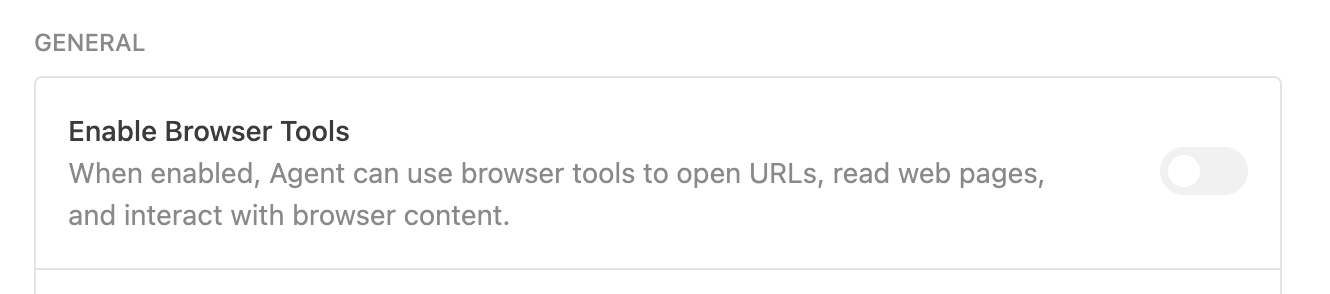
To disable the use of all browser tools, you may disable the browser tools setting in the “Browser” section of your settings
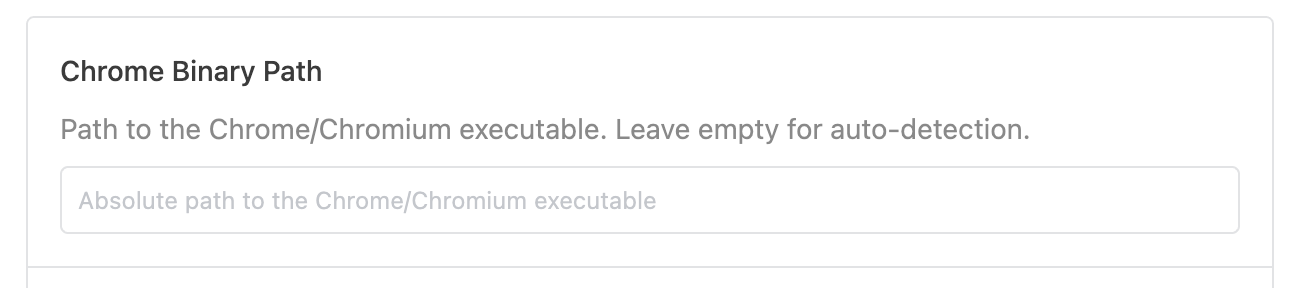
Antigravity detects and uses your existing Chrome application. If you don’t already have Chrome, you must download it here. If Antigravity is unable to detect your chrome installation, you may have to specify the path to it in the following setting: